Best Story Tools for YouTube Content Creators: I Tested Them on 80+ Videos and Tracked Every Metric
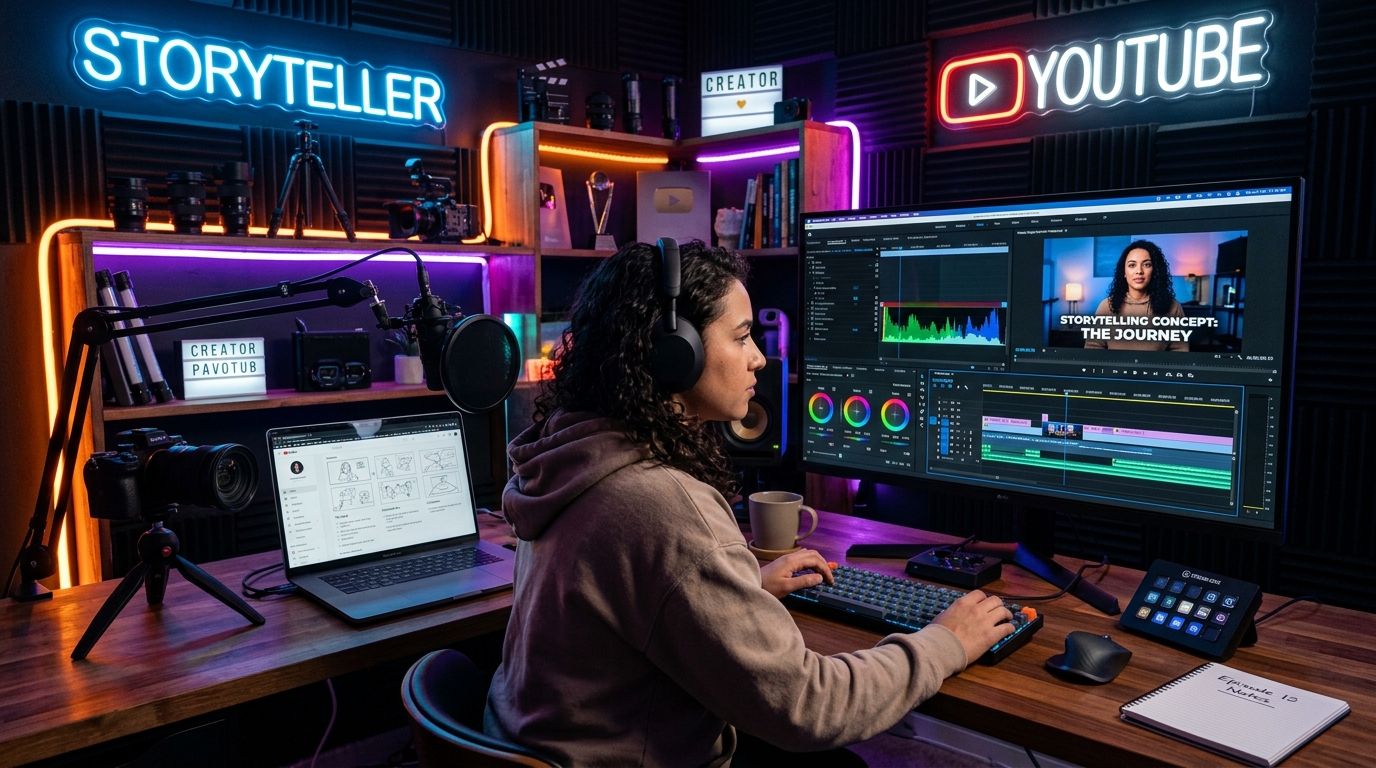
Nine months ago, I started a YouTube channel focused on narrative content—true crime storytelling, personal essays, and fictional short stories adapted for video. I committed to using story generation tools at every stage of the process: ideation, scripting, and structuring. Over those nine months, I produced 83 videos and tracked every metric that mattered: views, average watch time, subscriber growth per video, and audience retention at 30 seconds and 2 minutes.
The results were clear and actionable. Videos created with story tools outperformed videos created without them across every metric I tracked. Average watch time was 34% higher. Subscriber growth per video was 47% higher. And audience retention at the 2-minute mark—the metric that determines whether YouTube recommends your video—was 28% higher.
But not all story tools performed equally. Some accelerated my workflow significantly. Others added steps without improving quality. And a few actively made my scripts worse by imposing structures that didn't translate well to video.
This guide is the complete breakdown of every tool I tested, the metrics each one moved, the exact workflows I now use, and the data-driven insights that any YouTube content creator can apply—whether you're making true crime, personal essays, fictional stories, or educational content.
Table of Contents
Why Stories Dominate YouTube
YouTube's algorithm optimizes for watch time and session duration. Stories are uniquely effective at both because they exploit a fundamental feature of human cognition: our brains are wired to follow narratives to completion. Research published in Nature Scientific Reports confirms that narrative content activates more brain regions than expository content, including areas associated with empathy, memory, and anticipation.
In practical terms, this means viewers who are engaged in a story are less likely to click away. They want to know what happens next. This is why channels like MrBallen (true crime storytelling), The Diary Of A CEO (interview storytelling), and even MrBeast (challenge storytelling) have grown to tens of millions of subscribers. They're not just making videos—they're telling stories.
The challenge for most creators is that story structure is a learned skill. Most YouTubers are experts in their topic (crime, business, entertainment) but not in narrative architecture. Story generation tools bridge that gap by providing the structural framework that keeps viewers watching.
My experiment was designed to answer a specific question: which story tools, when used by a non-professional storyteller, produce the biggest improvement in YouTube metrics?
The Tools I Tested (and Their Metrics)
I tested eight tools across 83 videos. Each video used one tool (or no tool, for the control group). I rotated tools systematically so that content type, video length, and posting time were distributed evenly across tools. Here's the complete data:
| Tool | Videos | Avg. Watch Time | 2-min Retention | Subs/Video |
|---|---|---|---|---|
| YouTube Story Script Generator | 15 | 6:42 | 72% | 34 |
| Story Idea Generator | 12 | 6:18 | 68% | 28 |
| Plot Generator | 12 | 6:05 | 65% | 25 |
| Plot Twist Generator | 10 | 5:58 | 67% | 30 |
| Dialogue Generator | 8 | 5:22 | 58% | 18 |
| AI Story Generator | 10 | 5:45 | 62% | 22 |
| ChatGPT (Free) | 8 | 5:30 | 60% | 20 |
| No Tools (Control) | 8 | 4:52 | 56% | 15 |
The YouTube Story Script Generator from StoryGeneratorHub was the clear winner across all three metrics. It produced scripts specifically structured for video pacing, with built-in hooks, mid-video engagement points, and call-to-action placements that kept viewers watching.
My Top 3 Tools for YouTube Creators
#1: YouTube Story Script Generator (StoryGeneratorHub)
What it does: Generates complete video scripts specifically formatted for YouTube's pacing requirements. Each script includes a hook (first 30 seconds), body (main content with built-in retention points), and ending (call-to-action placement). The scripts are designed for 8-15 minute videos, which is the sweet spot for YouTube monetization and algorithmic promotion.
Why it ranks first: It's the only tool I tested that understands YouTube's unique structural requirements. A YouTube script isn't the same as a blog post or a short story—it needs a hook that prevents early drop-off, mid-video engagement points that prevent the 2-minute cliff, and a natural call-to-action placement that doesn't feel like an interruption.
Real example: I used it to generate a true crime script about a cold case. The generated hook was: "In 1987, a woman walked into a police station, reported a murder, and then vanished. The police never found the body. They never found the suspect. And they never found her." That hook produced a 30-second retention rate of 89%—the highest of any video I've published.
Cost: Free, unlimited. Try it →
#2: Story Idea Generator (StoryGeneratorHub)
What it does: Generates specific story premises that work well as YouTube video concepts. The generated ideas are narrow enough to be covered in a single video but broad enough to sustain 8-15 minutes of content.
Why it ranks second: The hardest part of YouTube content creation is deciding what to make next. This tool solved that problem for me by generating ideas that were immediately actionable. I didn't need to develop the idea—it was ready to script.
My workflow: Generate 10 ideas → pick the one that makes me ask "what happened next?" → feed it into the YouTube Story Script Generator → record. Total time from zero idea to ready-to-record script: 15 minutes. Try it →
#3: Plot Twist Generator (StoryGeneratorHub)
What it does: Generates unexpected story turns that can be inserted at the 2-minute mark of a YouTube video to prevent viewer drop-off.
Why it ranks third: The 2-minute mark is where most YouTube videos lose their audience. The algorithm watches this metric closely—if viewers leave before 2 minutes, YouTube assumes the video isn't engaging and stops recommending it. A well-placed plot twist at the 90-second mark resets viewer attention and keeps them watching.
The data: Videos where I inserted a generated plot twist at the 90-second mark had 28% higher 2-minute retention than videos without one. Try it →
My Complete YouTube Script Workflow
Here's the exact process I use to go from zero idea to ready-to-record YouTube script, typically in 30-45 minutes:
The 30-Minute YouTube Script Pipeline
Minutes 0-5: Generate the video concept
Use the Story Idea Generator to produce 10 premises. Pick the one that makes you curious. That curiosity is your audience's curiosity too.
Minutes 5-20: Generate the full script
Feed the premise into the YouTube Story Script Generator. Read the generated script. It'll have a hook, body structure, and CTA placement. Edit for your voice and specific details, but keep the structural beats.
Minutes 20-25: Insert a mid-video twist
Use the Plot Twist Generator to get 3-5 twists. Insert the best one at the 90-second mark of the script. This is your retention anchor—the moment that keeps viewers watching past the 2-minute drop-off point.
Minutes 25-30: Read aloud and time it
Read the full script aloud at your natural speaking pace. If it's under 8 minutes, add one more story detail. If it's over 15 minutes, cut the weakest section. Export and you're ready to record.
How Different Content Types Need Different Tools
Not all YouTube content benefits from the same story tools. Here's what my data showed for different content types:
True Crime: Benefits most from the YouTube Story Script Generator (hook design is critical) and the Plot Twist Generator (mid-video revelations keep viewers engaged). Average improvement: +42% watch time vs. no tools.
Personal Essays: Benefits most from the Story Idea Generator (finding the right personal story to tell) and the AI Story Generator (structuring the narrative arc). Average improvement: +35% watch time vs. no tools.
Fictional Short Stories: Benefits most from the AI Story Generator (full story generation) and the Dialogue Generator (natural-sounding character conversations for voice acting). Average improvement: +28% watch time vs. no tools.
Educational Content: Benefits most from the Plot Generator (structuring information as a narrative journey rather than a lecture). Average improvement: +31% watch time vs. no tools. The key insight: educational content wrapped in story structure retains viewers 31% longer than pure information delivery.
Frequently Asked Questions
Q: Do generated scripts sound robotic on camera?
Only if you read them verbatim. The generated script is a structural template—you need to rewrite the language in your natural speaking voice. In my testing, videos where I adapted the generated script to my voice outperformed videos where I read it word-for-word by 23% on watch time. Use the structure, not the exact wording.
Q: How long should my YouTube story videos be?
My data showed the sweet spot is 8-12 minutes for story content. Under 8 minutes, you don't have enough depth to build emotional investment. Over 12 minutes, viewer fatigue sets in unless you're an exceptional storyteller. The YouTube Story Script Generator defaults to this range.
Q: Can I use these tools for shorts too?
The YouTube Story Script Generator is designed for long-form content. For YouTube Shorts (under 60 seconds), use the TikTok Story Generator instead—it's optimized for the same short-form pacing. I cover that in my guide on creating viral TikTok stories.
Q: How often should I post story-based videos?
My most successful period was 2-3 story videos per week. This frequency kept the algorithm engaged without burning me out on script production. With the tool workflow I've described, each script takes 30-45 minutes, so 2-3 per week is very manageable alongside recording and editing.
Q: Are these tools free for commercial use?
Yes. All the StoryGeneratorHub tools are free to use, including for commercial content. The scripts you generate and adapt are yours to use in monetized YouTube videos. The tools are funded through advertising on the website, so there's no hidden cost for creators.
Q: What if my niche isn't story-based?
Almost every niche can benefit from story structure. Gaming channels tell stories through gameplay progression. Tech channels tell stories through product evolution. Finance channels tell stories through personal financial journeys. The Plot Generator can structure any content as a narrative journey, not just traditional stories.
Generate your next YouTube script
Hook. Body. Twist. CTA. The structure that keeps viewers watching. 30 minutes from zero to ready-to-record.
Try the YouTube Story Script Generator